
Your shared company brain
Thor captures everything your company is working on, including the blockers, decisions, and commitments that don't always make it into your tools

See the difference instantly
Thor automatically connects the dots between your tools, so that you're always in the know
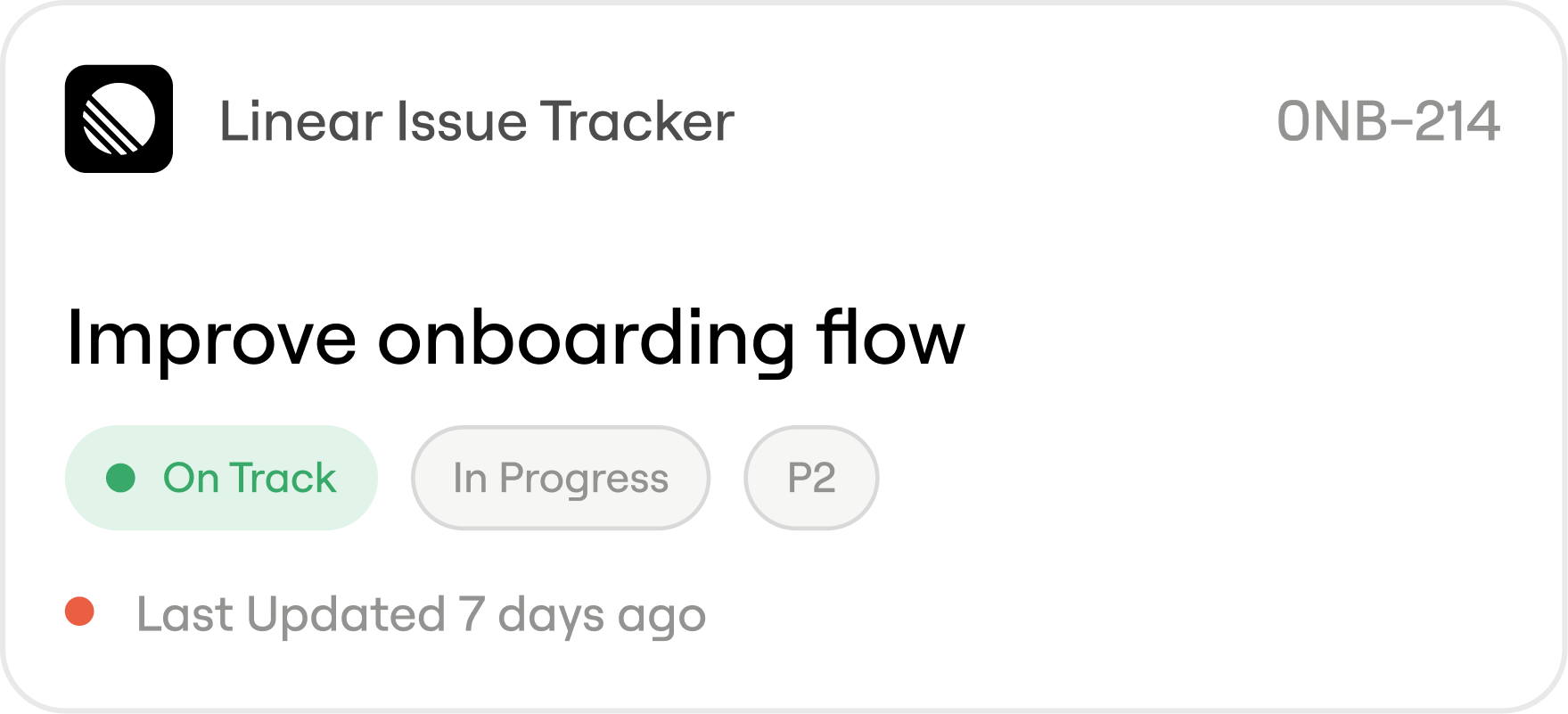
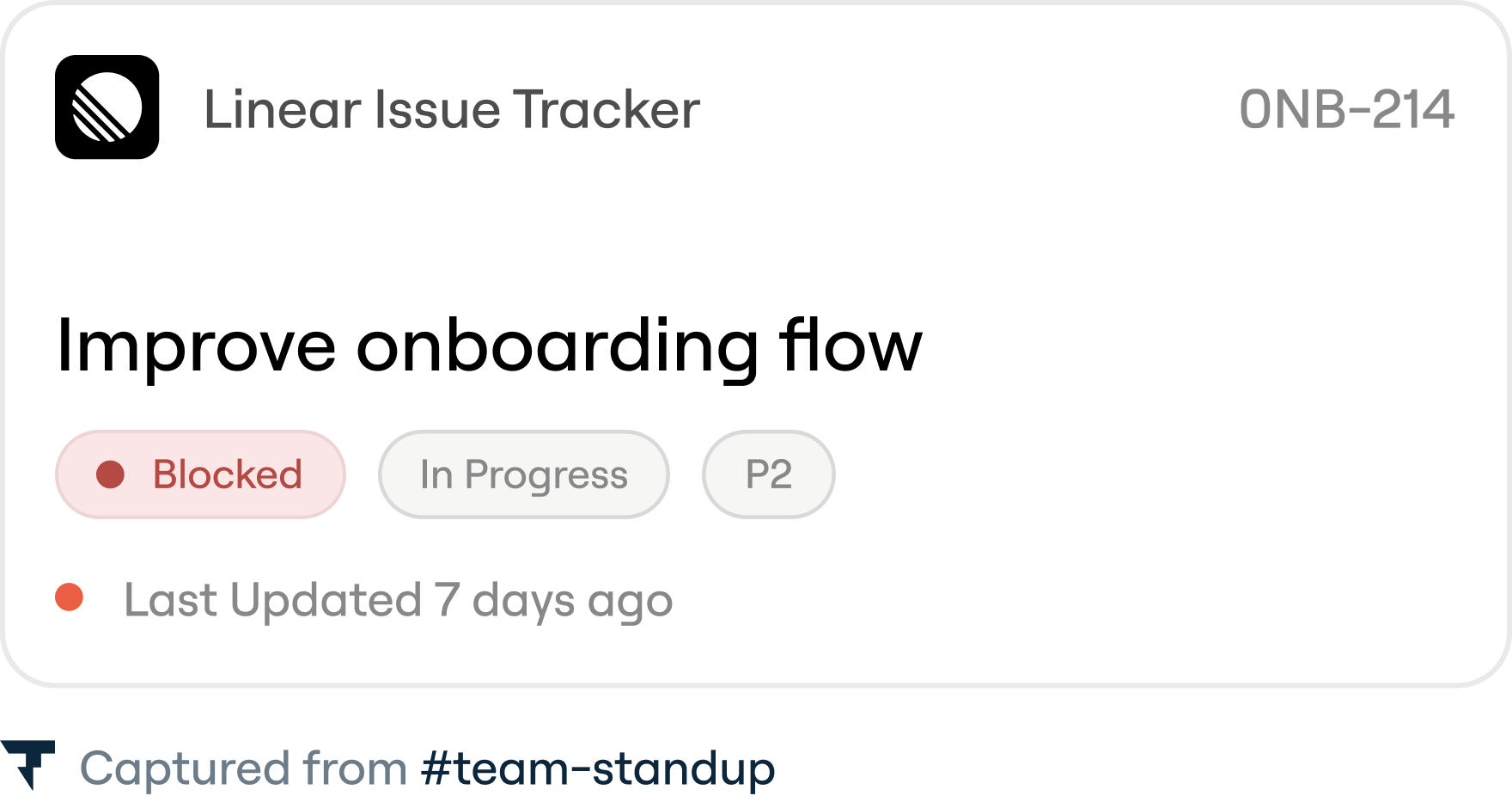
The ticket reads On Track. It hasn’t moved in 13 days.
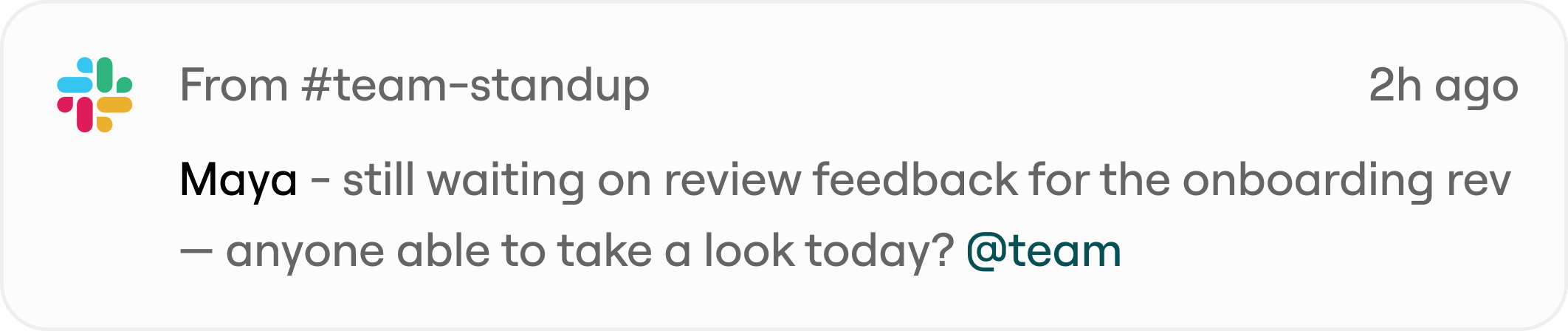
In Linear, the status says On Track. Meanwhile in Slack, someone's been waiting on review for over a week. Thor understands the ticket is blocked and surfaces it to the team.
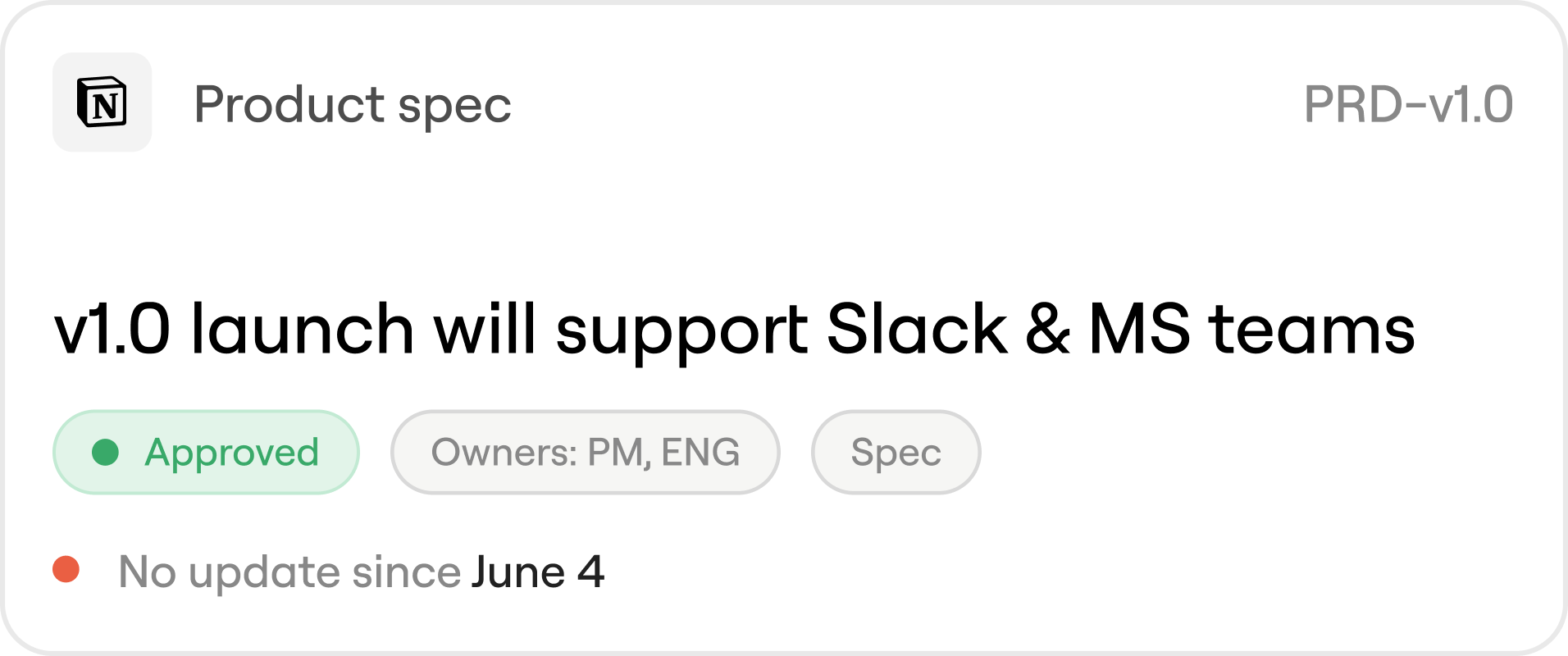
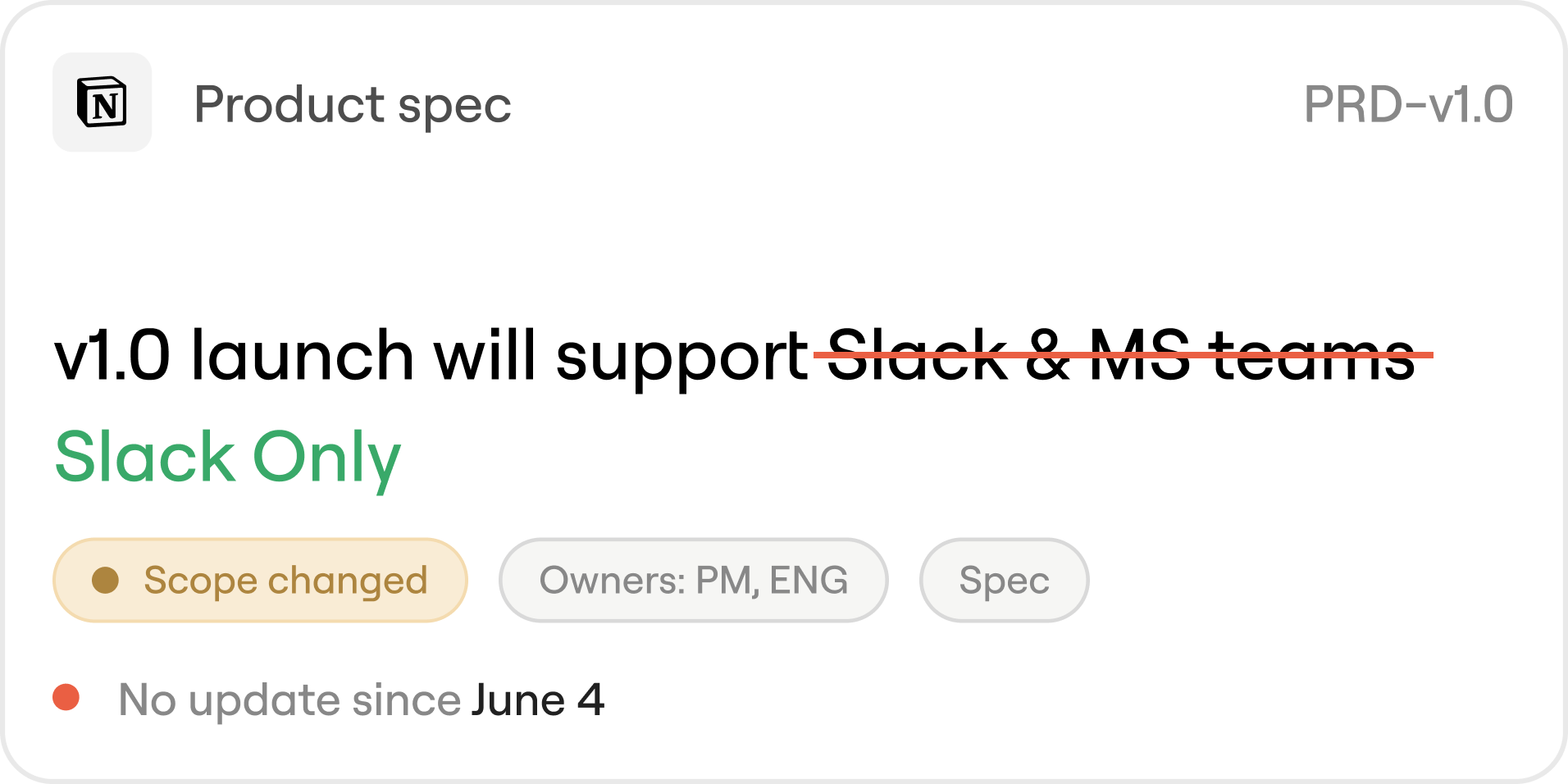
The PRD hasn't changed since the project started
In last Monday's Product Sync meeting, the team decided to remove scope. The PRD doc in Notion never got the memo. Thor flags the decision and automatically suggests updates to the doc.

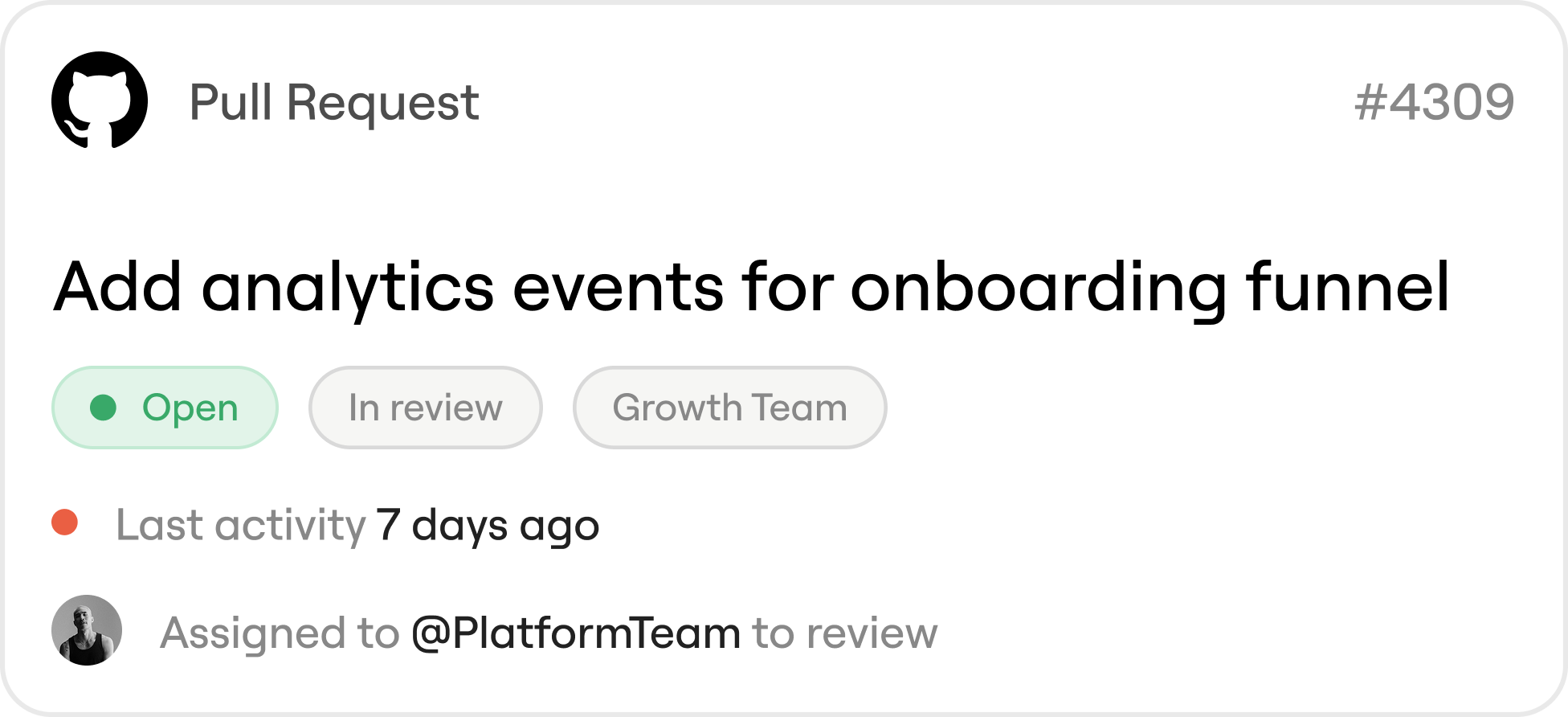
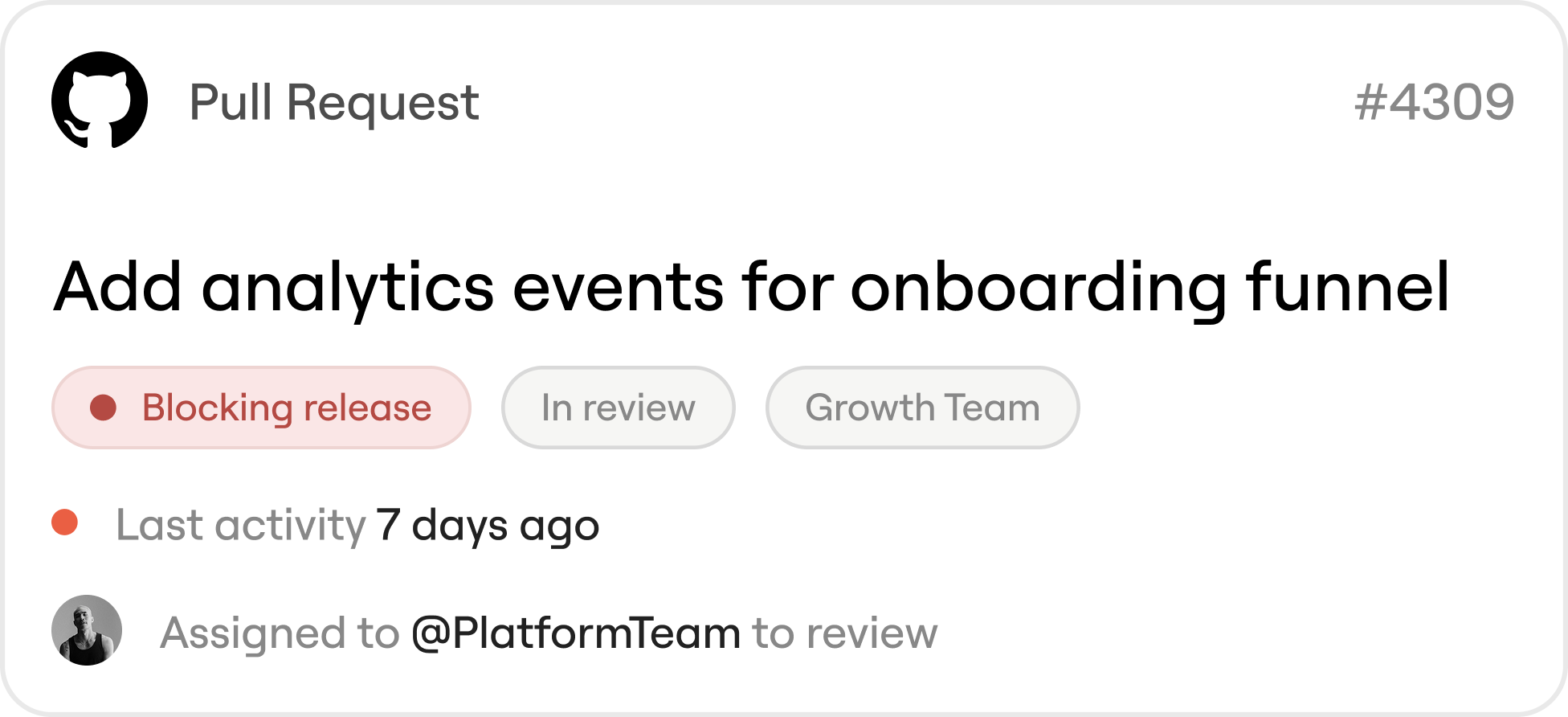
A PR is In Review. A release is stuck behind it.
A GitHub PR is sitting in the bottom of the Platform team's review backlog. Meanwhile in MS Teams, the team has been waiting on a review before they're able to push the next release live.

What Thor keeps track of
Thor keeps track of the details that usually sit outside your systems: the things people mention in conversation, forget to update in tools, or expect everyone else to remember.
Blockers
What's stuck, who's waiting, and where the blocker showed up.

Captured From #eng-standup
We’re stuck on analytics API Change. Waiting on data-team.
Decisions
What changed, who weighed in, and whether newer context superseded the old plan.

Captured From Product Sync
At launch, support Slack only.
Handoffs
Where work moved from one person or team to another, and whether it stalled.

Captured From #Github PR #452
Handoff to @jane for review.
Commitments
What someone promised, when they promised it, and whether it needs follow-up.
Captured From #Sprint Planning
We'll ship dashboard v1 by June 17.
Ownership
Who owns the work, who's driving it, and who needs to be pulled in.

Captured From Slack
Onboarding flow → assigned to Alex.
Scope Changes
What changed after the plan, ticket, or PRD was written.
Captured From #PRD - Onboarding
Added analytics events to success metrics.
Stop working from stale context
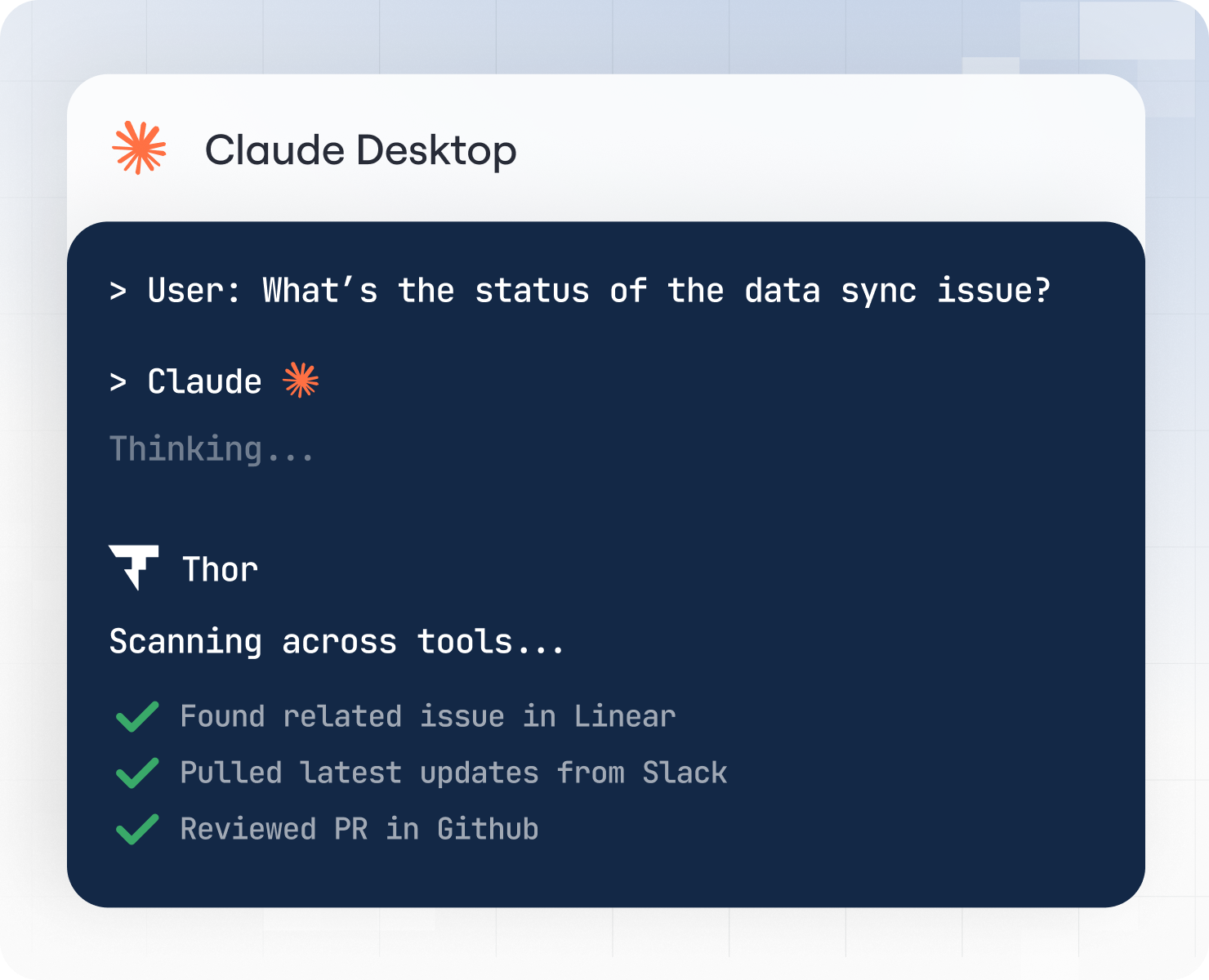
Thor keeps track of what's actually happening, so humans and agents get the current state of the work without having to piece things together by hand.
For Agents
Agents can understand the project history, blockers, owners, recent decisions, and constraints before they act. Less guessing. Less manual context pasted into every prompt.
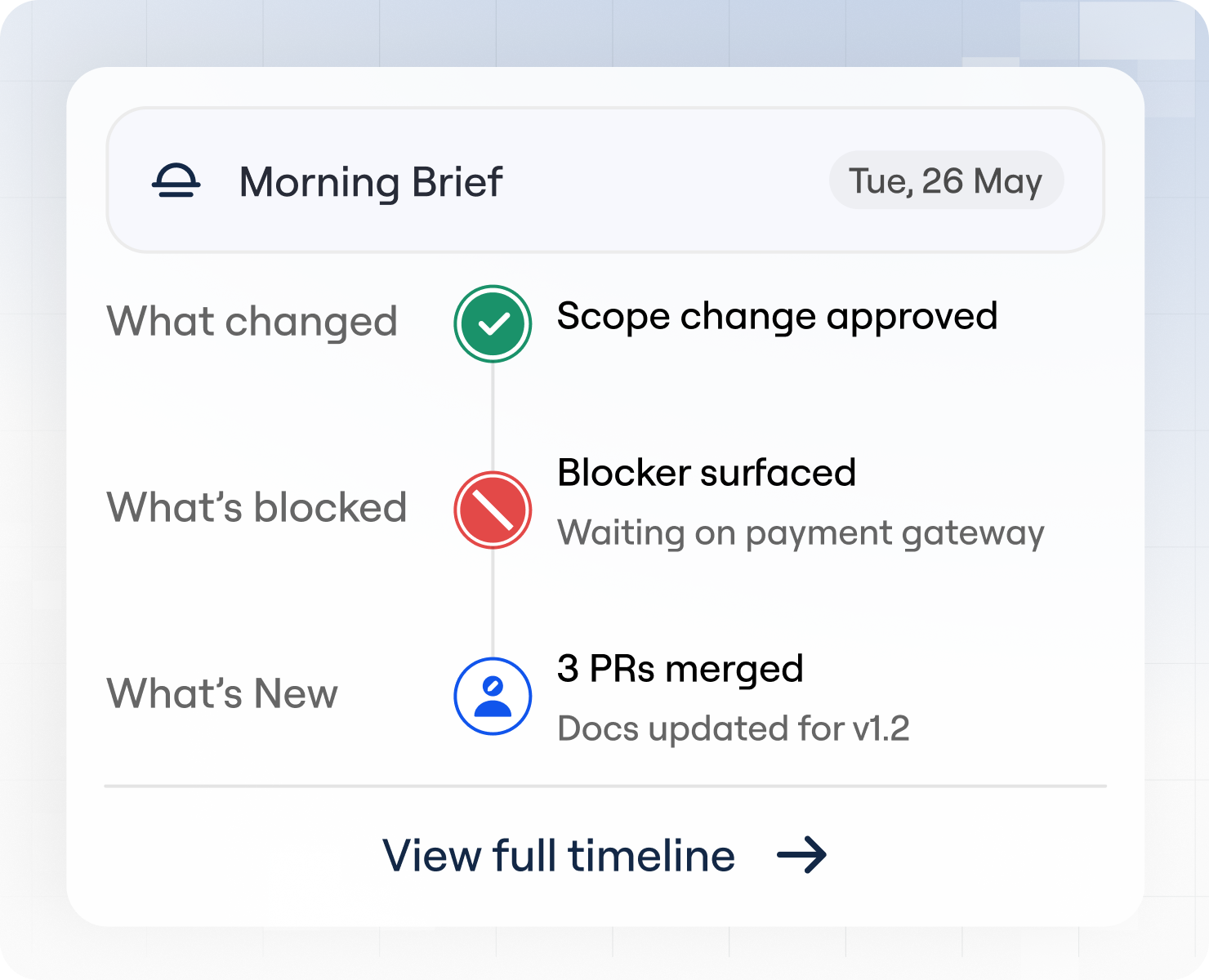
For Leaders
Leaders can see what changed, what's blocked, and where work is drifting without reading every thread, joining every meeting, or asking for another status update.
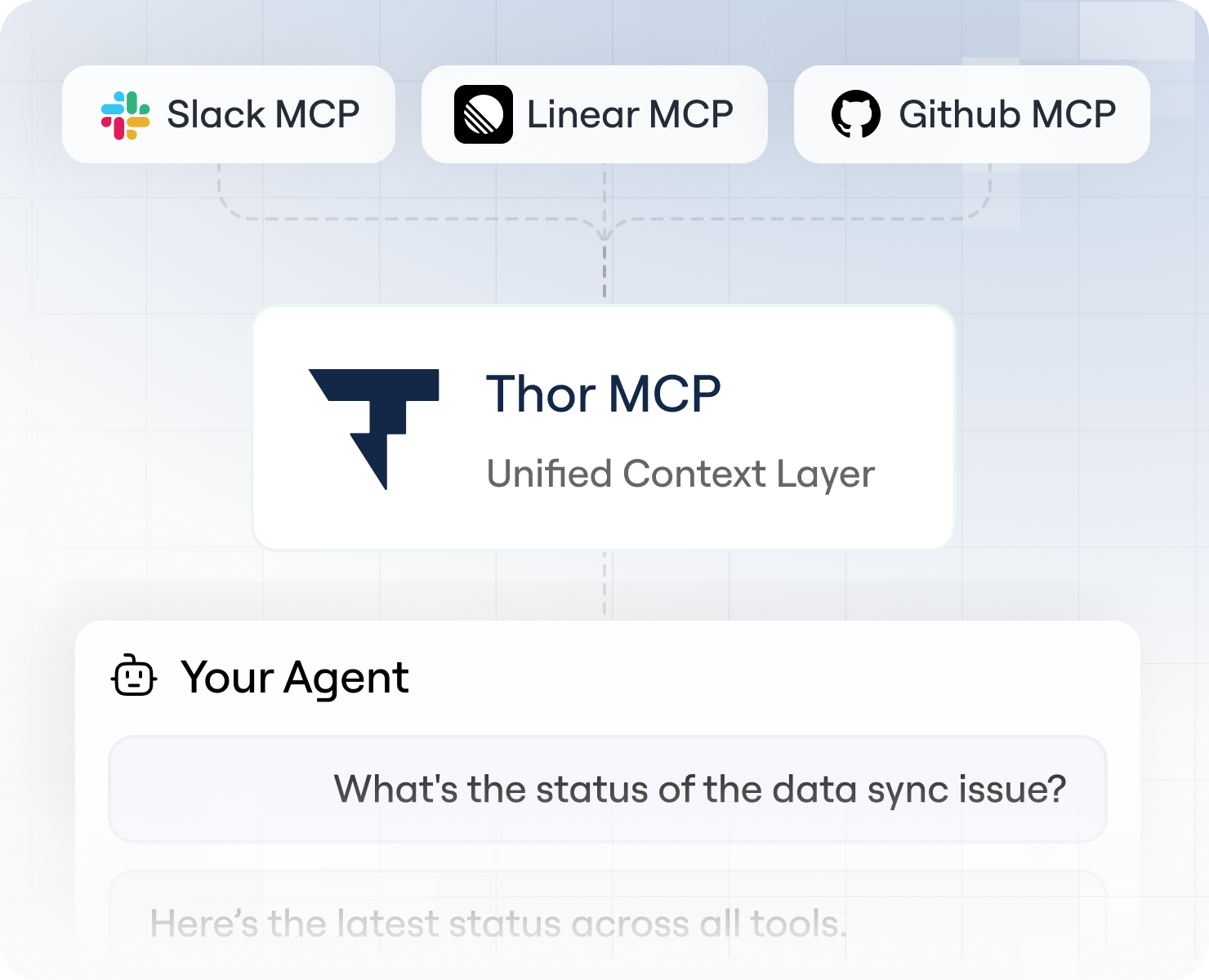
For Builders
Teams can stop stitching together raw MCPs, scripts, and one-off workflows just to give agents a usable picture of the company. Thor gives them the operational context layer underneath.
FAQs
Isn't this just search?
No. Search helps you find what was written down. Thor keeps track of what's happening around the work: what changed,what's blocked, who owns what, and where attention is needed.
Can't MCPs just do this?
Raw MCPs give agents access to tools. They don’t give agents a durable picture of how the work connects across tools. Without Thor, every question becomes a fresh reconstruction job.
Is this only for agents?
No. Agents need operational context to act well. Humans need it to know where to pay attention. Thor gives both a clearer picture of what’s actually happening.
How accurate is Thor with technical conversations?
Thor is specifically tuned for software development and product team conversations. However, our key feature is the "human-in-the-loop" design. Thor always proposes a plan for your approval before taking any action, giving you the chance to add any nuance and ensuring you're always in control.
Will this create more notification spam for my team?
No, the opposite. By centralizing follow-ups and creating structured action plans, Thor reduces the random "just checking in" pings on Slack. You can configure how and when Thor communicates to fit your team's existing workflow and minimize unnecessary interruptions.
What if I use a tool that isn't on your integrations list?
We are constantly expanding our ecosystem of connected tools based on customer feedback. If you have a specific tool you'd like us to support, we'd love to hear about your use case. Please reach out to our team at thor@zenhub.com.
Who is Thor built for?
Thor is purpose-built for technical teams—engineering, product, and design—that want to eliminate administrative overhead. It's ideal for scaling leads, engineering managers, and founders who feel the pain of coordination tax most acutely and would rather be building product.
Do I have to invite another bot to all my meetings?
Nope. You have enough bots to deal with. Thor isn't an awkward guest you have to remember to add to every call. It works by hooking into the meeting transcripts your team already generates in Google Meet, Zoom, and Microsoft Teams to figure out what needs to get done.
Do I need to be a workspace admin to set up Thor?
Not at all. You can initiate the setup in minutes using standard, secure third-party authorization like GitHub OAuth. If an integration requires broader admin approval, Thor will provide a simple, shareable link for your workspace admin to grant the necessary permissions.
What is the pricing for Thor?
We are currently in an early access program, working closely with our design partners to finalize a fair and flexible pricing model. For now, early access is provided at no cost. Request access today to lock in preferential pricing when we launch.